|
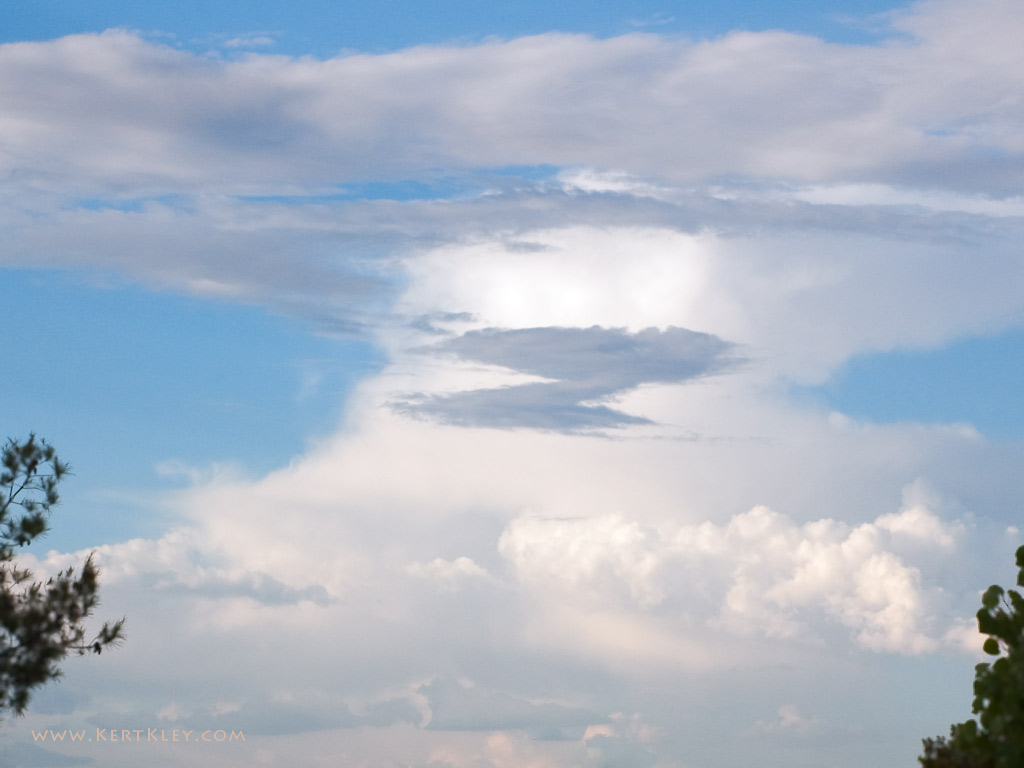
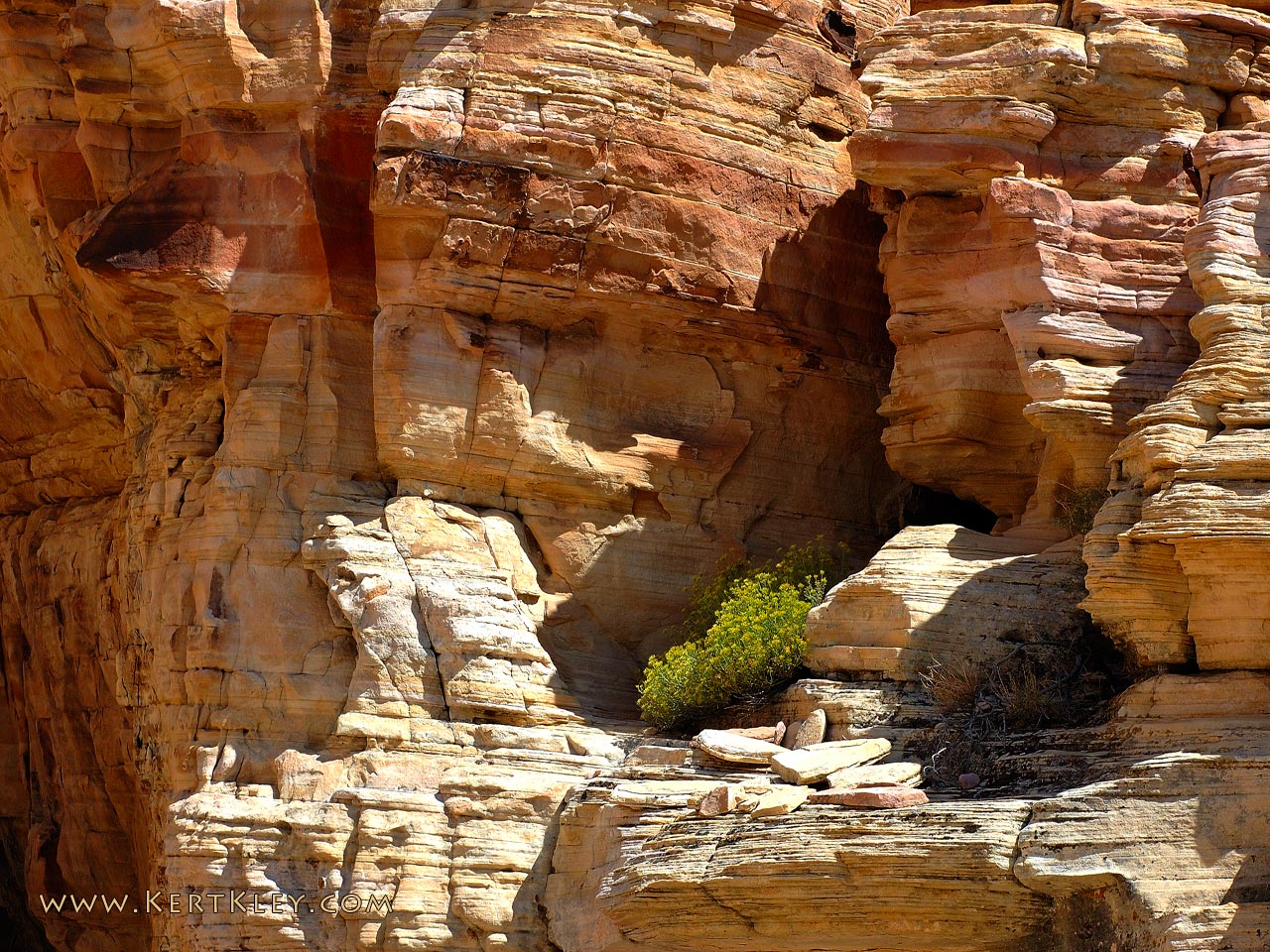
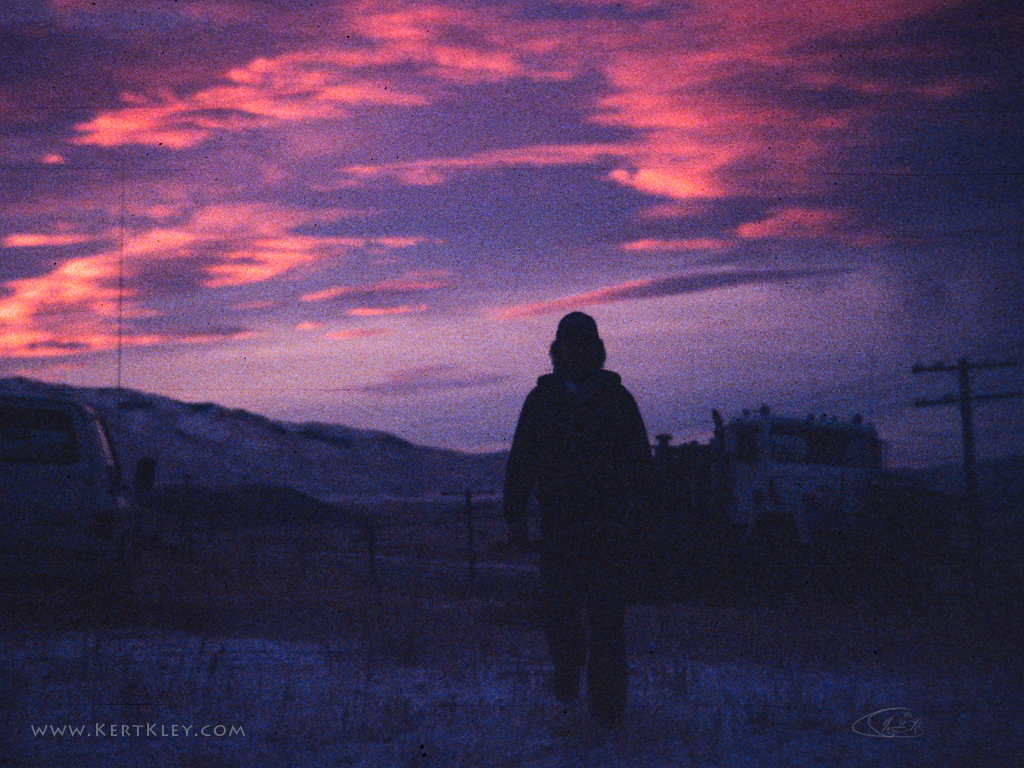
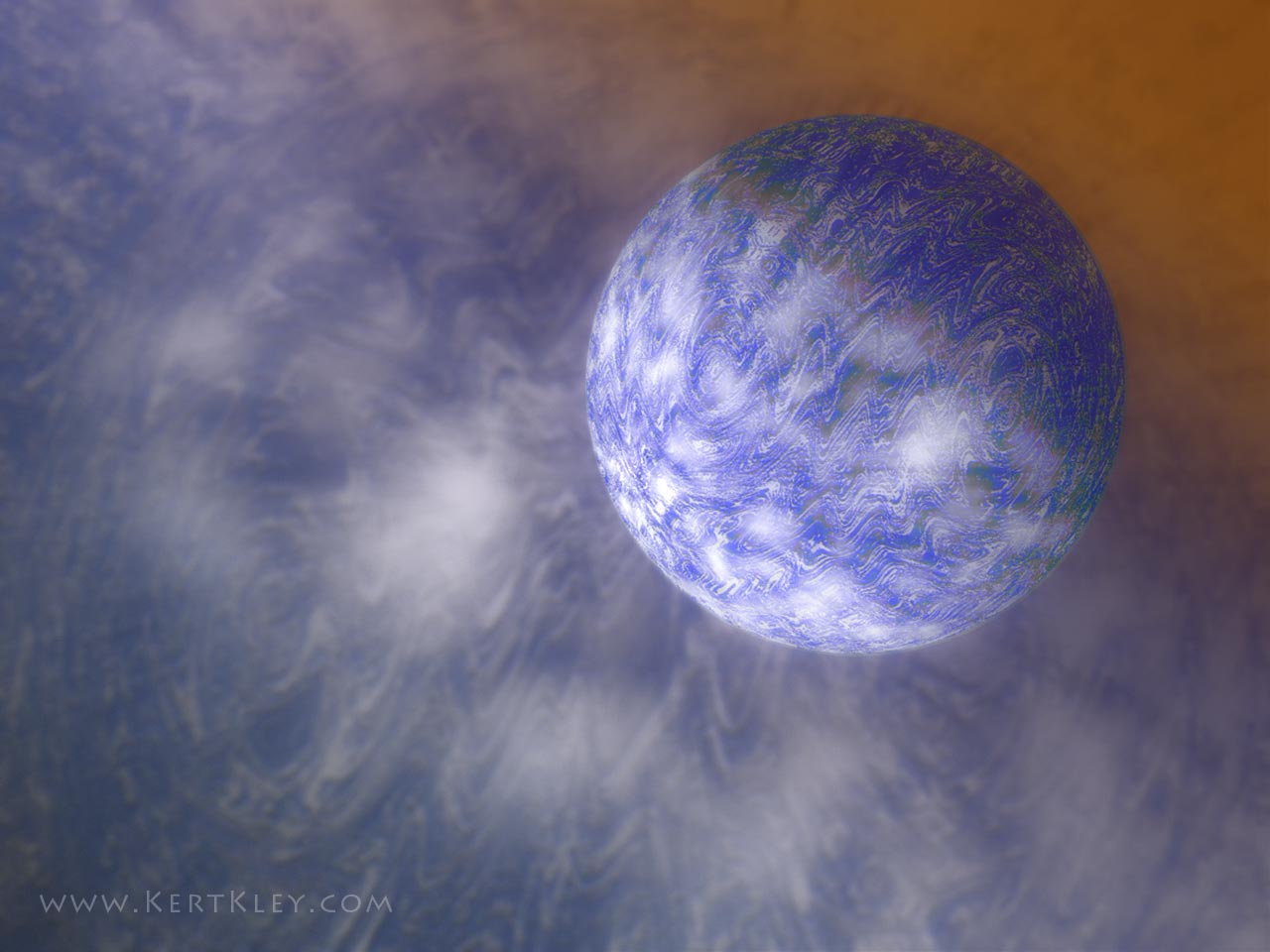
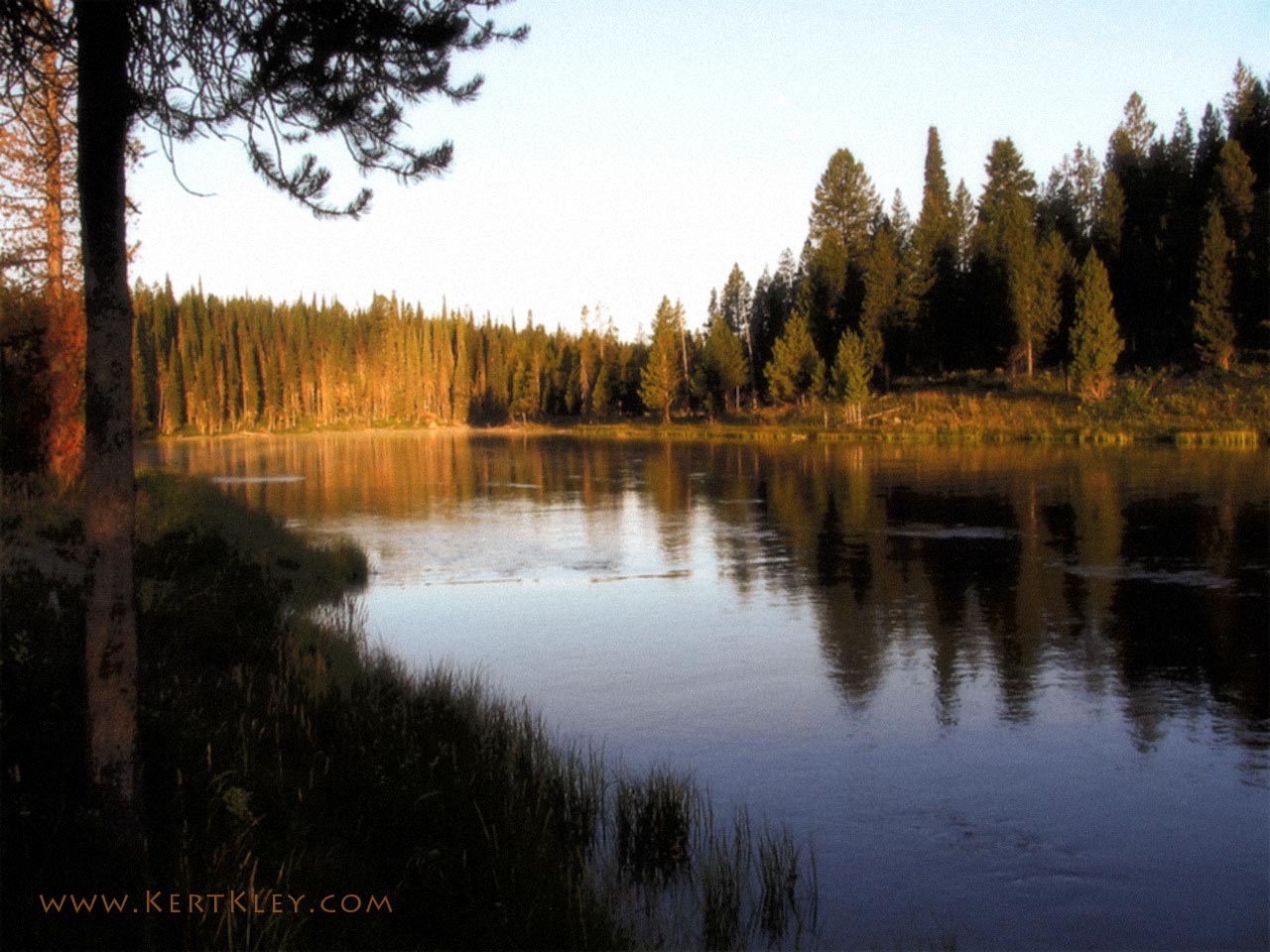
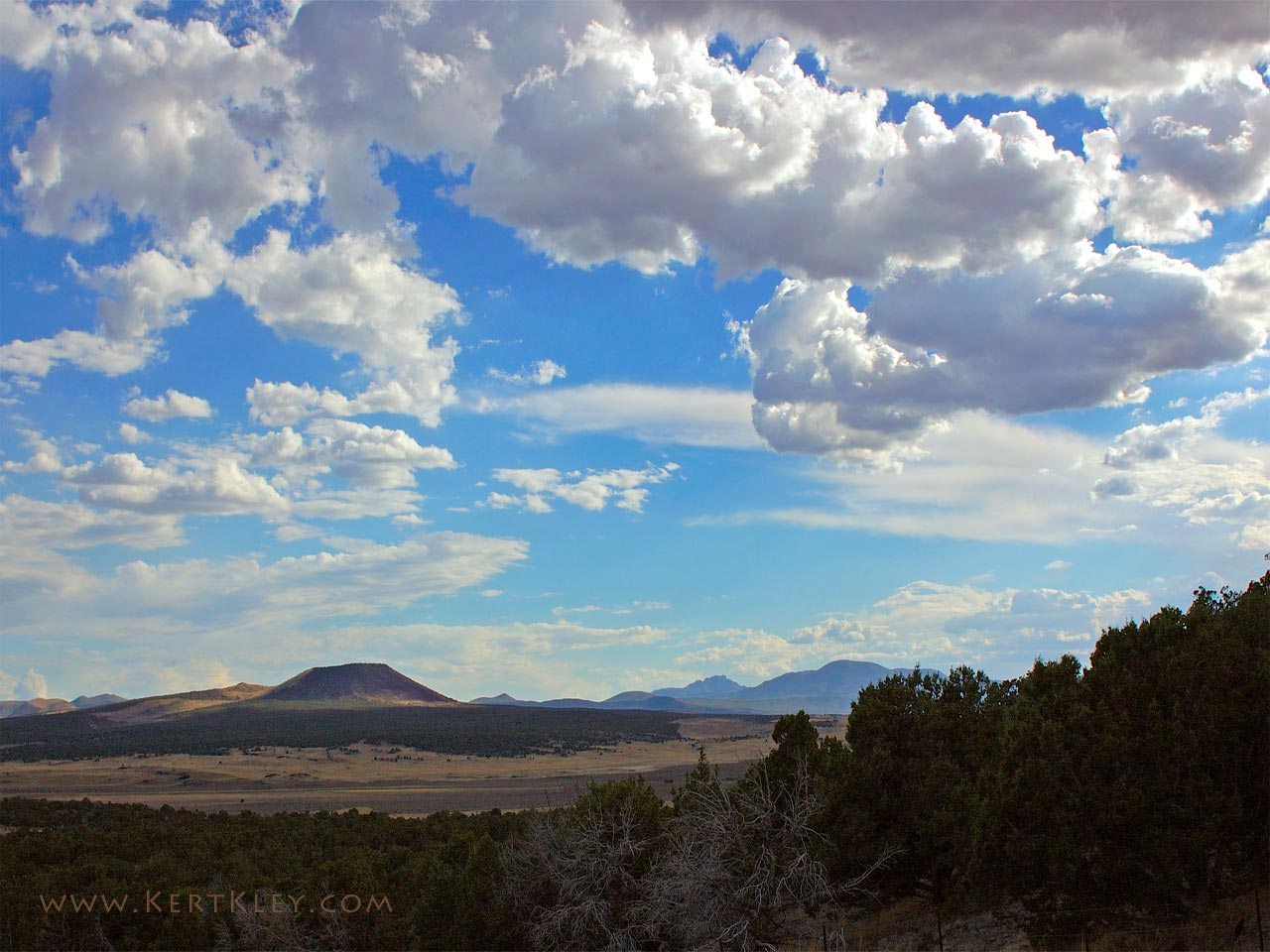
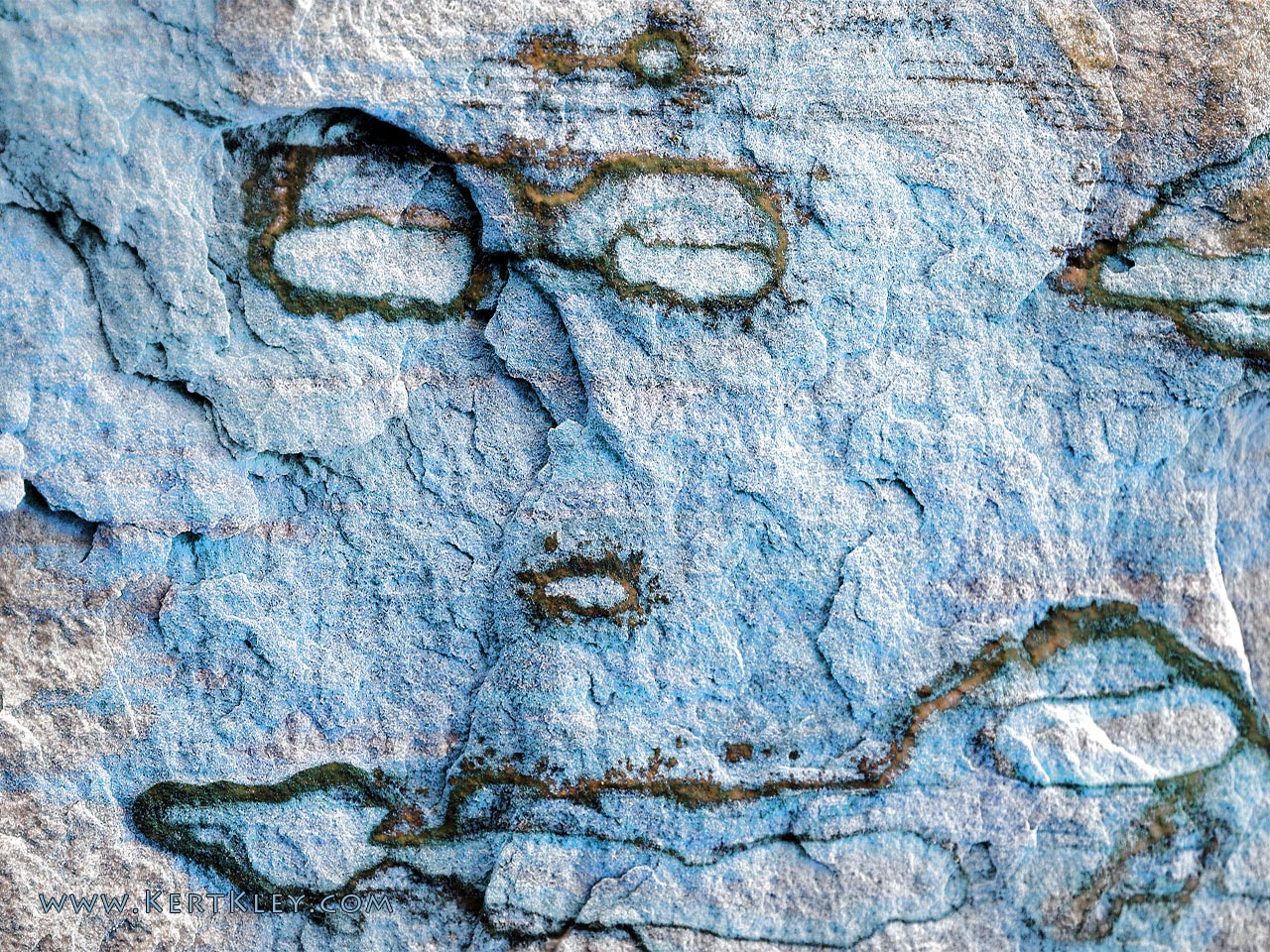
Here are some
images that were specially prepared so you can use them as backgrounds
for your computer.
Simply Right
Click on the image you
want to use as your background then choose "Set as
Background".
Time
Required: 2 sec.
If you don't see the whole image
or it has a border, follow the steps below but
choose STRETCH in the position menu.
For the "Tiles" at the
bottom of the page follow the same procedure, then Right
Click on you DESKTOP and choose PROPERTIES.
Next choose the DESKTOP TAB, then in the POSITION
menu choose TILE.
Time
Required: 8 sec. |